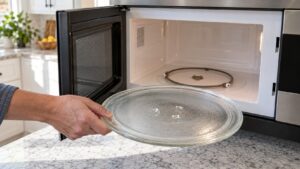
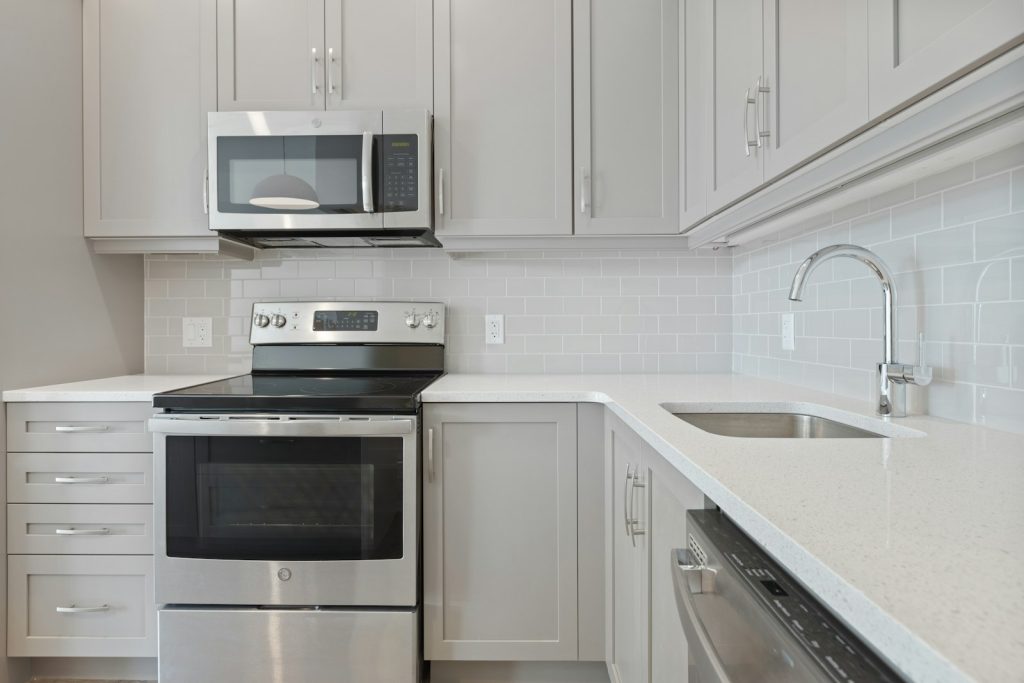
A ge microwave reset is usually far simpler than owners expect – in the large majority of cases, it means cutting all power to the unit for roughly sixty seconds and then restoring it, which clears the control board’s temporary memory and forces it to reboot from a clean state. This resolves display glitches, a clock that will not set correctly, unresponsive touchpad buttons, or a microwave that seems “stuck” on a step of a cycle without an obvious cause.
How to perform a full reset
- For a plug-in countertop or over-the-range microwave, unplug it directly from the outlet
- For a built-in microwave without easy plug access, switch off the dedicated breaker at your electrical panel
- Wait at least sixty seconds – this ensures the control board’s memory fully clears rather than retaining a partial state
- Restore power and allow the display to reinitialize; you may need to reset the clock afterward
When a reset actually helps
- The display is frozen, blank, or showing garbled characters
- Touchpad buttons are unresponsive despite otherwise looking fine
- The microwave is stuck partway through a cycle with no error shown
- Recent power flicker or outage left the unit behaving oddly
When a reset will not help
A reset clears temporary software state, but it cannot fix a physically failed component. If the microwave shows a specific problem like F1 (open thermal sensor) or F3 (shorted touchpad) immediately after every reset, that is a genuine hardware problem reasserting itself, not a software glitch. Similarly, a microwave that runs but does not heat – see our related guide on GE microwave not heating – will not be fixed by a reset, since that symptom traces back to a physical component rather than the control logic.
Child lock and control lock
Sometimes what looks like a frozen or unresponsive control panel is actually the Control Lock or child-lock feature engaged, which is not a problem at all. Check your owner’s manual for the specific button-hold sequence to disable it, since this is often confused with a genuine reset need.
Clock and display behavior after a reset
After a full power reset, most GE microwaves will show a flashing clock or a default display until you manually re-enter the time, and any active timer or delay-start settings will be cleared – this is expected and not a sign the reset went wrong.
When to call a technician
If a reset does not resolve the issue, or the same error or unresponsive behavior returns shortly after restoring power, our microwave repair technicians can diagnose the actual underlying hardware cause rather than repeating resets that will not fix it.
Soft reset vs. full power reset
Some GE microwaves also support a simpler soft reset that does not require unplugging at all – pressing and holding the Clear or Off button for several seconds, or the Cancel and a second button simultaneously depending on the model, restarts the control logic without cutting power entirely. This is worth trying first since it is faster than a full ge microwave reset, though it does not clear as deep a memory state and may not resolve every glitch the full power-cycle version does. If a soft reset does not resolve unresponsive buttons or a frozen display, move on to the full unplug-and-wait ge microwave reset described above before assuming a hardware problem.
Preventing the need for frequent resets
A microwave that needs resetting on a recurring basis, rather than as a rare one-off after a power flicker, is signaling something worth investigating rather than simply living with. Repeated resets can point toward an unstable household power supply, a loose internal wiring connection vibrating loose over time, or a control board nearing the end of its service life – any of these is worth having checked before the unit fails completely at an inconvenient moment.
Quick summary
A GE microwave reset is simply a full power cycle, effective for clearing display and control glitches but not a fix for any problem that reliably returns immediately afterward.
Our experienced, independent technicians – not affiliated with GE Appliances, a Haier company, or General Electric Company – diagnose issues a reset cannot fix. Schedule service at /schedule/. General GE product information is at geappliances.com.