Running GE washer diagnostic mode gives you a stored fault code straight from the control board, without waiting for the machine to fail again in front of you. Most electronic-control GE washers built in the last decade will enter a service test mode from the front panel with a short button sequence, and the display will step through any codes the board has logged since the last time they were cleared. This is the fastest way to know what a washer has actually recorded before anyone opens a panel.
What does GE washer diagnostic mode actually do?
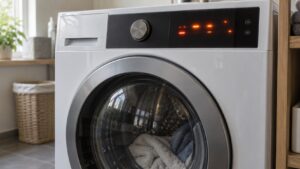
It puts the control board into a service state that reports what it already knows, rather than running the washer through a normal cycle. On most electronic-control models, a specific button combination — commonly two spin-cycle or temperature buttons held together while powering on — switches the display from its usual cycle countdown to a code readout. The board then cycles through any stored codes one at a time, and a washer with no recent faults will simply show nothing to report.
How do you enter diagnostic mode on a GE washer?
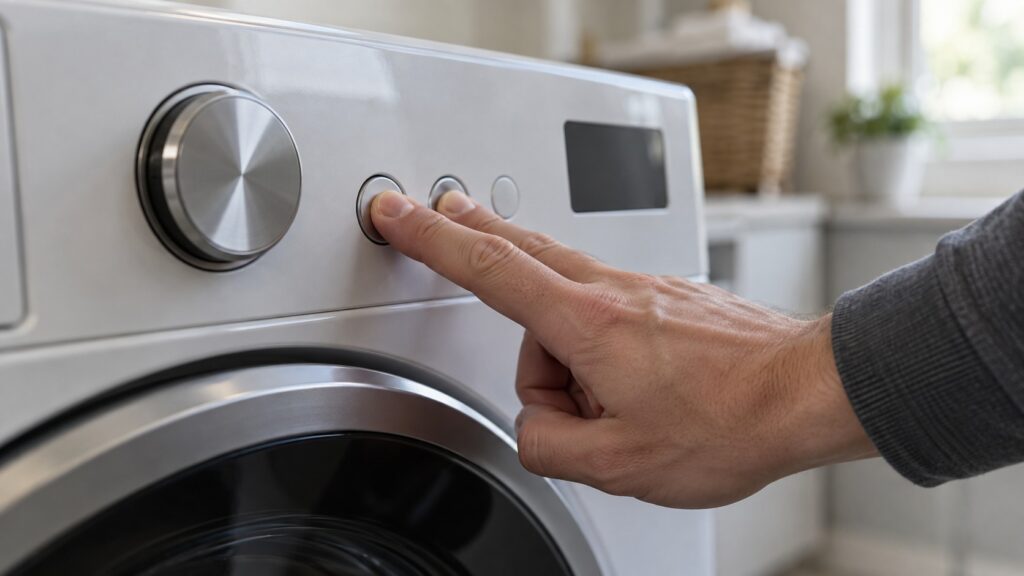
The exact combination varies by control panel generation, which is the single biggest source of frustration with this feature. The general pattern that works across most GE top-load and front-load electronic models: plug the washer in with the lid or door closed, then press and hold two adjacent cycle-modifier buttons — not Start — for about three seconds until the display changes. If nothing happens after five seconds, release and try the next pair of buttons going left to right across the panel; older models sometimes need Start held with a second button instead.
Why is my GE washer diagnostic mode not showing any code?
A blank readout is a real answer, not a failure of the procedure. It means the control board has not logged a fault since it was last cleared — which happens on every power interruption longer than a few seconds. If the washer is still misbehaving but the diagnostic screen is empty, the problem is likely mechanical rather than electronic: a load that will not spin from imbalance, or a drain path that is physically blocked, neither of which trips a stored code because the board never saw an out-of-range reading to log.
How is this different from checking a specific symptom?
Diagnostic mode reads whatever the board has already stored; it does not diagnose a symptom you are seeing right now. If the washer will not spin today, our GE washer won’t-spin diagnostic walks through the load, lid switch and motor checks for that specific complaint, whether or not a code is stored. Diagnostic mode is the first stop when a washer has thrown a fault intermittently and you want to know what it was before it happens again.
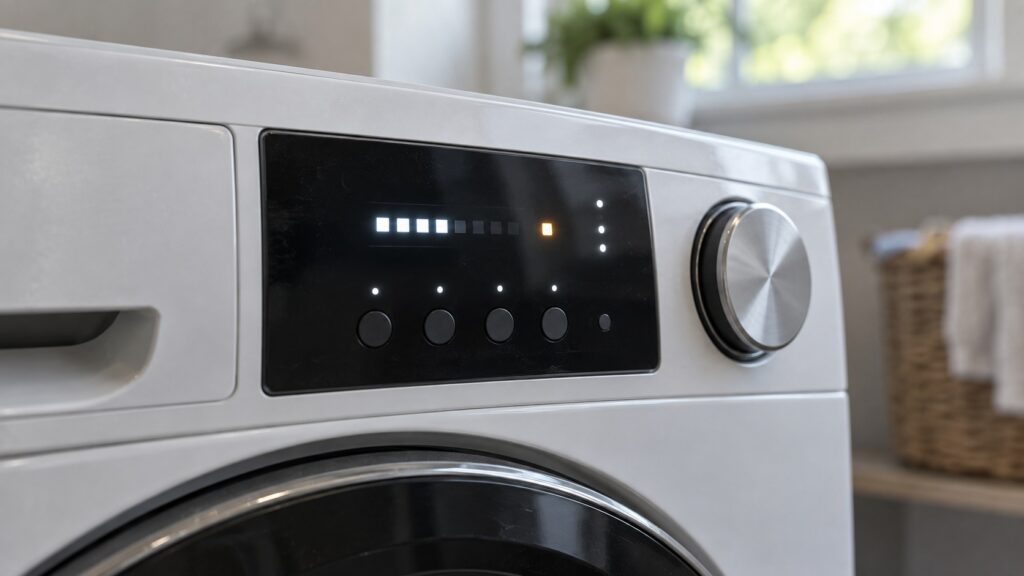
Does diagnostic mode work the same on every GE washer?
No, and this is the part that trips people up most. GE has sold electronic-control washers across several control-panel generations, and each generation’s engineers picked their own button combination for entering the service test state — there is no single universal sequence that works across the whole lineup. A combination that opens diagnostic mode on a five-year-old top-load model may do nothing at all on a newer front-load unit, or may open a completely different menu such as a demo mode meant for showroom floors. If your washer’s manual is still on hand, it is worth checking there first, since the combination is usually printed exactly as the manufacturer intended it, rather than guessed at from a forum post about a different model year.
Older mechanical-timer GE washers, by contrast, have no diagnostic mode at all to enter — there is no control board logging anything, so there is nothing for a button sequence to retrieve. If a washer predates electronic controls entirely, skip this procedure and go straight to checking the symptom itself.
Can entering diagnostic mode by accident damage anything?
No. Diagnostic mode only reads what the control board already has stored — it does not run the motor, spin the drum, or write anything to memory beyond what a normal cycle already logs. If a button combination opens a menu you did not intend, unplugging the washer or waiting for the panel to time out on its own returns it to a normal state with nothing changed. The only real risk is confusing a demo or showroom mode for a diagnostic one on certain panel generations, which can leave the display looping through settings; unplugging the unit clears that the same way it clears an intentional diagnostic session.
What should you do with the code once you have it?
Write down the exact letter-number pair exactly as shown — E22 and E23 look similar at a glance but point at different parts of the drain system, and a technician working from a code you misread loses the head start diagnostic mode was supposed to give. Cross-check the code against our appliance-specific error code entries rather than a generic list, since the same two-character code can mean something different on a dryer or dishwasher control board.
Once you have the code, two things are safe to check yourself: whether the load was unusually large or unbalanced on the cycle that triggered it, and whether the drain hose or filter access panel shows any obvious blockage. Stop before opening the cabinet or the rear panel — the drive motor, the main control board and the water inlet valve all sit close together, and a GE front-load washer is not designed for casual access to that area.
When should a code from diagnostic mode go to a technician?
A code that reappears every time you clear it and run a load is reporting a live condition, not a one-off glitch. That is the point to book a visit rather than keep clearing the same fault. A visit starts from a standard diagnostic call and we confirm the estimate before any part is ordered — we are an independent repair company, not a factory service arm, and we will tell you plainly when a control board is worth replacing and when it is not.
For upkeep that keeps codes from showing up in the first place, see our GE washer maintenance guide, and if drainage is the pattern you keep seeing, GE washer not draining covers that path directly. GE washer repair covers whatever the diagnostic screen turns up, and you can schedule a visit or call (844) 524-4561 with the code already in hand.