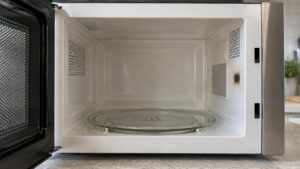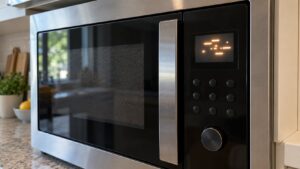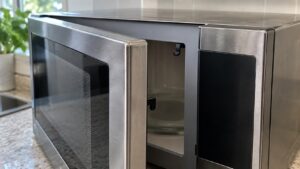
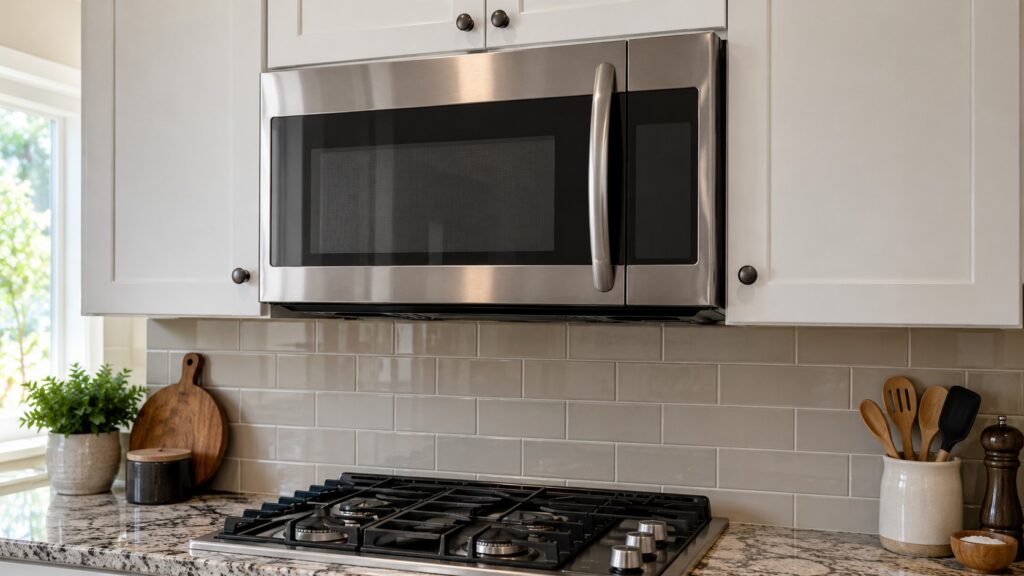
When a GE microwave stopped working, the quickest diagnosis is to ask what it still does. Dead with no light and no display points to power, a fuse or a door switch. A lit display that will not start points to the door, the control lock or the touchpad. A microwave that runs but leaves food cold has a high-voltage fault, which is a job for a technician. A microwave that stops partway through a cycle is often overheating. This guide takes each case in turn, names the checks that are safe at home, and explains why you must never open the cabinet of a microwave yourself, even when it is unplugged.
Why did my GE microwave stop working?
A microwave is protected by a chain of safety switches, so any weak link makes the whole oven look dead. Power must reach the control, the door must press three interlock switches in the right order, and the thermal protection must be closed. The most common reasons a working microwave quits are inexpensive: a tripped breaker or a dead outlet, a door that no longer latches fully, or a blown thermal or main fuse that tripped for a reason such as overheating. The less common reasons, a failed control board or high-voltage component, are where a technician comes in.
Because the symptoms overlap, work through them from the simplest cause to the most complex. The checks below take about ten minutes and cost nothing.
What should you check before anything else?
- Test the outlet. Plug a lamp into the same outlet. For an over-the-range model such as the JVM3160RFSS, check the breaker, and any GFCI reset button on the circuit.
- Unplug it for a minute. Wait, then restore power. A control that has locked up after a power flicker often recovers.
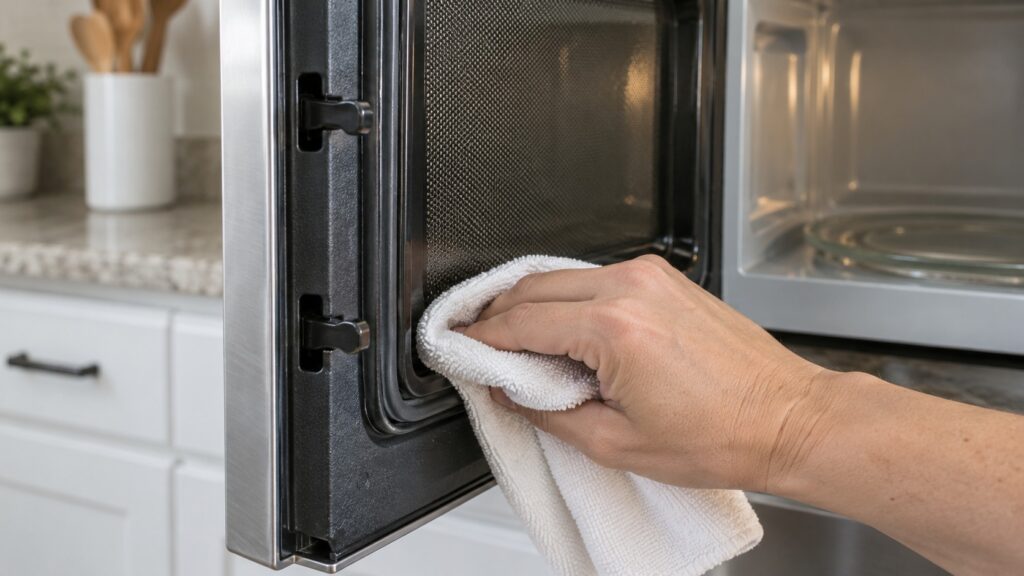
- Close the door firmly several times. Look for food on the door seal or the latch hooks, and for a door that sits crooked. The door must press all its interlock switches before the oven will start. Our door will not latch page covers that fault.
- Release any control lock. Many GE panels lock the keys after a long press on a particular pad, and a locked panel looks dead. Your manual shows how to unlock it.
- Read the display. A code, or a flashing 888 or PF after a power cut, tells you more than the fact that it will not start. PF and 888 mean a power failure, and the clock needs setting.
What do the GE microwave codes mean?
If the display shows an F code, the control has found a fault it can name. The meanings below come from the matching pages on this site.
Our guides to the F1 and F2 codes and the F3 code explain each in detail. A microwave that shows F3 and ignores buttons has a touchpad problem, not a power problem, and a technician replaces the touchpad or the control.
What if the display works but the microwave will not start?
That is almost always the door or the controls. A door that appears closed may not be pressing its switches, and the cure is usually a worn latch hook or a bent door. The door on an over-the-range model carries a lot of weight, and hinges and latch parts wear with years of use. A technician checks each switch with a meter. At home, you can rule out a locked panel and a food-clogged latch, but do not try to bend the door or pry at the hooks. If buttons ignore your presses, the buttons unresponsive page describes the touchpad and control-board possibilities.
What if it runs but does not heat?
A microwave that hums, turns the plate and runs the fan but leaves food cold has lost its high-voltage circuit, which includes the magnetron, a diode and a capacitor. This is not a home repair. The capacitor can hold a dangerous charge even after the plug is pulled, which is why the cabinet must stay closed. Our GE microwave not heating diagnosis goes through the signs, and the magnetron and diode guide explains what a technician tests.
What if it stops partway through a cycle?
Overheating is the usual cause. An over-the-range microwave sits above a cooktop, and a blocked vent or a clogged grease filter can trap heat until the thermal protection opens. Check that the vents on the top and bottom are clear and the filters are clean. Sensor faults, F1 or F2, can also end a cycle early. If the microwave works again after cooling but stops again on the next use, a thermal cutout or fuse is probably tripping and needs a technician to find out why.
When is it time to repair or replace?
A fuse, a door switch or a latch is a modest repair on a microwave in good condition. A magnetron or control board on an older, low-cost countertop unit often costs more than the microwave is worth, and the sensible answer there is a new one. Our GE microwave repair cost guide helps set expectations, and you can ask a technician for a diagnosis before deciding. Our GE microwave repair service handles the visit, and we are an independent service that will say plainly if repair is not worth it. You can book a visit when you are ready.