The GE microwave fault codes on our site are F1, F2, F3, F4, F5, F6 and F10. F1 and F2 point to the thermal sensor, F3 to a shorted touchpad, F4 and F5 to the humidity sensor, F6 to the temperature probe and F10 to a shorted touch screen. Our pages call each one a verified GE code confirmed on GE’s own support pages. Most are sensor or control faults that need a technician, and none is a reason to open the cabinet.
What do F1 and F2 mean on a GE microwave?
Our F1 page says the thermal sensor circuit is open, so the control is not receiving a temperature reading from inside the cavity or vent area, and our F2 page says the same sensor has shorted. Both list the thermal sensor, its wiring harness and the control board and say a technician is needed. Because the sensor is how the control learns the temperature, a microwave with F1 or F2 should not be pushed to keep running. Our F1 and F2 guide goes into the detail.
What does F3 mean?
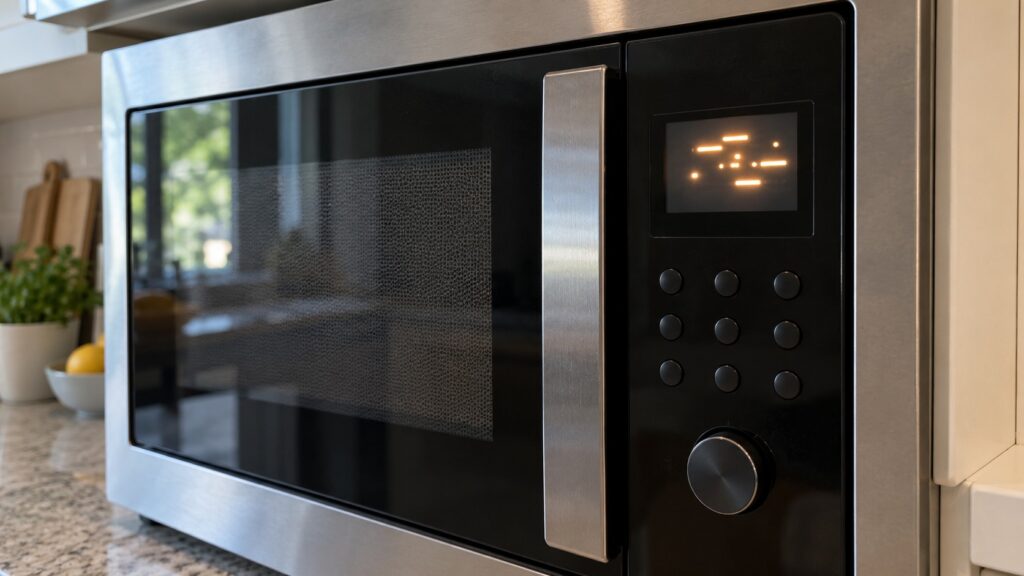
Our F3 page says the touchpad has shorted, so the control cannot reliably read button presses. It lists the touchpad or keypad, the control board and the ribbon connector, rates the severity medium and says it needs a technician. A keypad that sticks, beeps by itself or ignores presses can go with it. Spilled liquid or heavy cleaning near the panel is a common reason to be careful, so wipe the panel with a barely damp cloth. Our F3 guide has the full explanation.
What do F4 and F5 mean?
Our F4 page says the humidity sensor circuit is open, and our F5 page says it has shorted. The sensor is used mainly for sensor-cook and auto-cook programs that adjust timing based on steam, and our pages say basic timed cooking may still work with the fault present. Both are rated low severity and need a technician. If you rely on a sensor program, switch to a timed one until the fault is repaired and check that the food is heated through.
What do F6 and F10 mean?
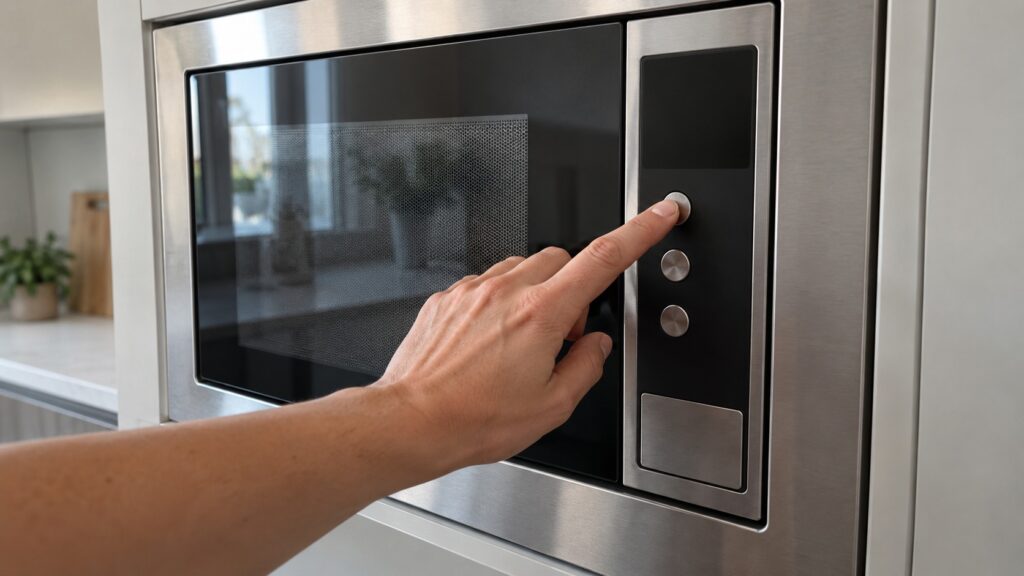
Our F6 page says the temperature probe circuit has shorted. It lists the meat or temperature probe, the probe receptacle and the probe wiring, rates it low and DIY-friendly, and says it affects only probe-guided cooking. Regular microwave use is typically unaffected. Our F10 page says the touch screen has shorted, found on newer GE models with a touch-screen control panel, and needs a technician. Check your owner’s manual to see whether your microwave has a probe or a touch screen.
What can you try safely?
Note the code, then stop the microwave and let it rest. Your owner’s manual explains the safe way to reset the control for your model, and our microwave reset guide describes a reset in general terms. If a reset is done by interrupting power, switch the circuit off at the breaker panel and not by pulling a plug from a wet outlet. If the code returns, a technician is needed. Do not run an empty microwave to test it, and never remove the cover, because the high-voltage parts inside can hold a charge even when the microwave is unplugged. If you see sparks inside or smell burning, switch off the breaker from a dry floor. Do not defeat the door latch or its switches, and do not use a microwave with a damaged door, because the seal and the latches are safety parts.
Why do several codes come in pairs?
Many of the codes are open and shorted versions of the same circuit. F1 and F2 are the open and shorted states of the thermal sensor, F4 and F5 are the open and shorted states of the humidity sensor, and F3 and F10 are shorted states of the touchpad and the touch screen. An open circuit means the control sees no connection, and a shorted circuit means it sees a connection that should not be there. Either way the control cannot trust the reading, so it shows a code. That is why the part list for the two codes in a pair is the same, and why a technician usually starts with the sensor, its wiring and the control board.
How can you help a technician find it faster?
Write down the code and what you were doing when it appeared, such as a sensor-cook program, a probe or an ordinary timed run. Note whether the keypad or screen responds and whether the microwave heats at all. Have the model and serial number ready, since your owner’s manual shows where to find them. Say whether it is a countertop, an over-the-range or a built-in model, because the access to the parts differs. Our error codes by appliance guide lists the other GE appliances if you are checking more than one.
Our site also has pages for symptoms that show no code, such as a microwave that is not heating, a turntable that does not turn or buttons that are unresponsive. Our microwave not heating guide and turntable guide cover them. A fault code is useful because it names the circuit, and a technician can start there. Our GE microwave repair page explains the visit.