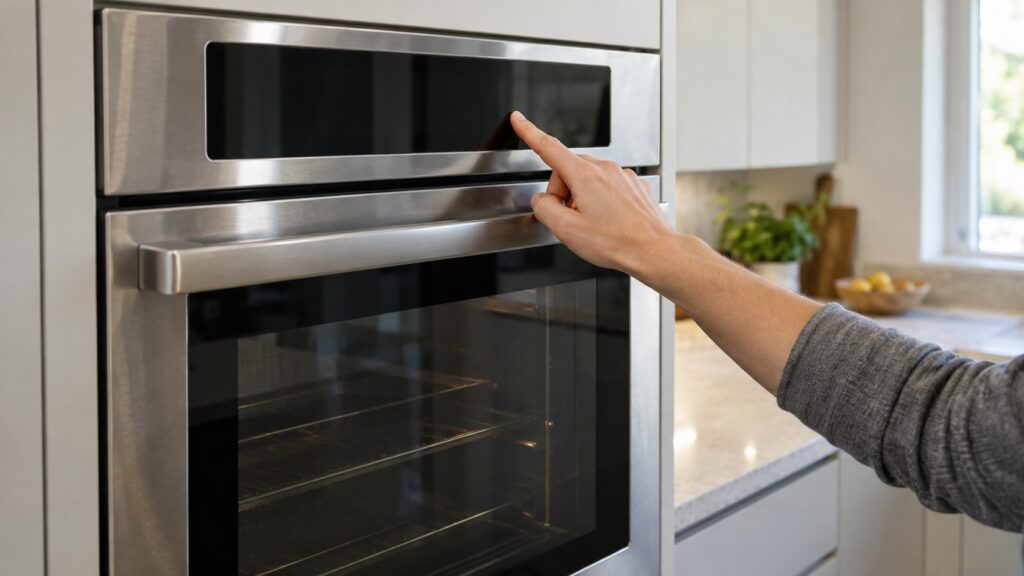
When a GE oven control panel is not working, the most likely cause is a control lock that was switched on by accident, and the next most likely is moisture or spill residue under the panel. Check those two before you suspect the control board. Hold the lock pad for your model for about three seconds, switch the oven off at the breaker for a full minute, dry the panel, and try again. If the display is lit but the pads ignore you, or only some pads respond, the fault is in the touchpad, its ribbon connector or the control board, and that needs a technician. Our wall oven control panel unresponsive page lists the symptom, and this guide goes further into the steps.
Why is my GE oven control panel not working?
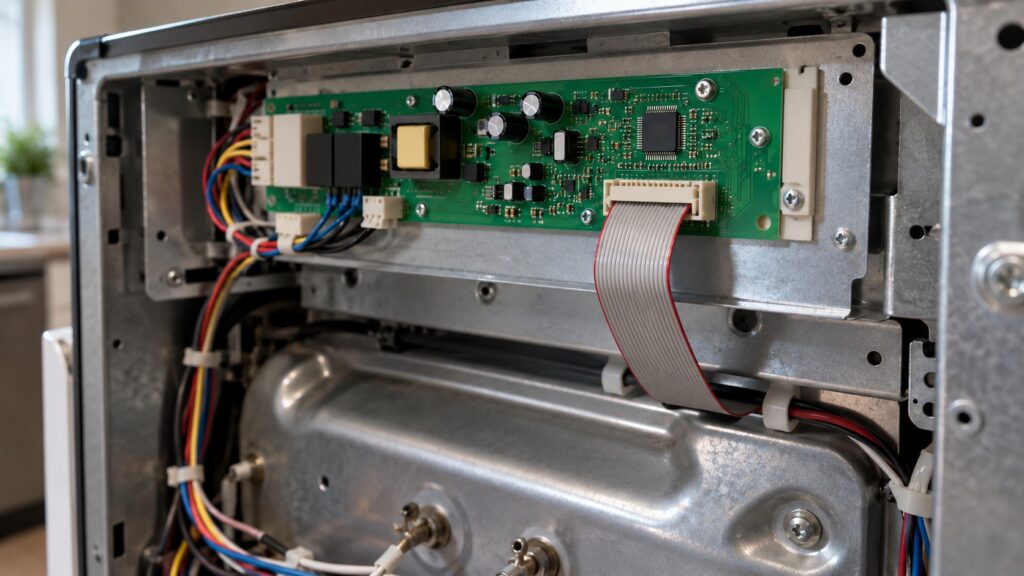
An oven panel is a thin touch surface bonded over a membrane with contacts, joined by a flat ribbon cable to a control board behind the glass. Heat, steam, grease and cleaning sprays all live on that surface, so panels age. When one stops responding, the cause is almost always in one of four layers: a lock that was switched on deliberately, a spill or moisture, a connector, or the board. The first two are yours to fix, and the last two are for a technician. Working through them in that order saves money, because a large share of unresponsive panels turn out to be locked.
How do you check for a control lock?
GE ovens can lock their keys so a child cannot start the oven, and the lock is easy to trigger by leaning on a pad. The method varies by model: on many it is a long press on a particular pad for about three seconds, and the manual gives the pad for yours. A lock indicator on the display tells you it is on, but be careful: a lock symbol can also appear when the door lock is engaged for a self-clean cycle, and that is a different lock. If your oven recently ran a cleaning cycle, the manual will show which indicator is which. Our guide to an oven door that will not unlock covers the door-lock side.
What if it is not locked?
- Switch the oven off at the breaker for a full minute, then switch it on. Many control glitches clear with a hard reset. Do not cycle the breaker repeatedly in quick succession.
- Wipe the panel dry. Use a soft, barely damp cloth, then a dry one. Do not spray a cleaner on the panel, since liquid runs under the edge.
- Keep liquids away. Avoid steam from a pot below the control, and do not press pads with wet hands.
- Note which pads work. If one section of the panel responds and another does not, tell the technician. It points to a location on the membrane or a ribbon contact.
- Try again after the oven has cooled. A panel that fails when hot and works when cold is a clue to a board or a connector that expands with heat.
What do the GE oven codes tell you about the control?
Several codes name the control. F1 points to a keypanel, meaning touchpad, problem on a GE oven or range; the oven F1 page explains it. FF points to an electronic control failure, and the oven FF page rates it as high severity needing a technician. FC points to a door-lock circuit failure usually tied to self-clean. And F2 means the oven detected an over-temperature condition, which is a safety response, not a panel problem. If any of these appear, stop and look the code up before cooking. Our GE oven F codes guide lists the family.
If your oven shows a code and the panel will not respond at the same time, do not keep pressing. A control that has faulted may be waiting for the power to be cycled, and repeated presses do nothing useful.
Is it safe to use the oven if the panel is failing?
Use judgment. An oven that ignores your commands is not under your control, and that cuts both ways: it may fail to start, or it may continue heating without you. If the oven is heating when you did not start it, switch it off at the breaker at once and keep the door closed. If the oven will not heat at all and the panel is dark, it may simply have lost power, which is a breaker issue and not a panel issue. Never use a trick such as holding multiple pads to force a start. Our GE oven not heating guide covers heating faults, and the oven temperature sensor test separates sensor problems from control ones.
What does a technician do about a failed panel?
A technician checks the power, reseats the ribbon connector, tests the touchpad and then the board. A loose ribbon is a quick repair, a worn touchpad needs a new panel, and a board is the larger repair. Which one applies depends on your model and the age of the oven, and the right part is matched from the model and serial number. Before you pay for a board, a good technician will rule out the cheaper layers. Our GE oven maintenance guide sets out how to protect the panel from here on, and the self-clean cycle guide explains how the heat of a cleaning cycle stresses the controls.
How do you prevent panel problems? A few habits protect the panel.
- Wipe the panel after cooking, with a soft cloth only.
- Never spray a cleaner directly on the control.
- Keep pots from boiling over under a wall oven control.
- Do not lean on the panel or rest items on a range’s control area.
- Let the oven cool before you clean around the panel.
When should you call a technician?
Call when the lock check and a one-minute power reset do not help, when only some pads respond, when F1 or FF appears, or when the oven heats without being commanded. Our GE oven repair service can test the panel and the board, and we are an independent service, so we will tell you plainly which layer failed. You can book a visit online.