A GE appliance WiFi connection that drops or will not pair is almost always a home-network problem, not an appliance fault: the router is on the wrong band, the signal is weak where the appliance sits, the password changed, or the appliance needs to be put back into pairing mode. Several smart GE models on our site carry WiFi, including the GFW550SSNWW washer, the GFD55ESSNWW dryer, the GDT535PSJSS dishwasher and the JTS5000 wall ovens. This guide sorts the causes in order and shows what is safe to try. The GE appliance WiFi module rarely affects how well the appliance washes, dries or bakes, so the appliance itself keeps working while you fix the link.
Why won’t my GE appliance connect to WiFi?
Home WiFi is built for phones and laptops sitting in open rooms. A washer in a laundry closet, a dryer behind a metal door and a wall oven inside cabinetry are all poor places for a signal. Metal, tile, water pipes and masonry weaken WiFi quickly, and an appliance has a small antenna. Add a router on the other floor and the appliance may see a very weak network, connect briefly and drop. So the first question is not about the appliance at all: what signal does your phone get standing next to it?
What should I check first?
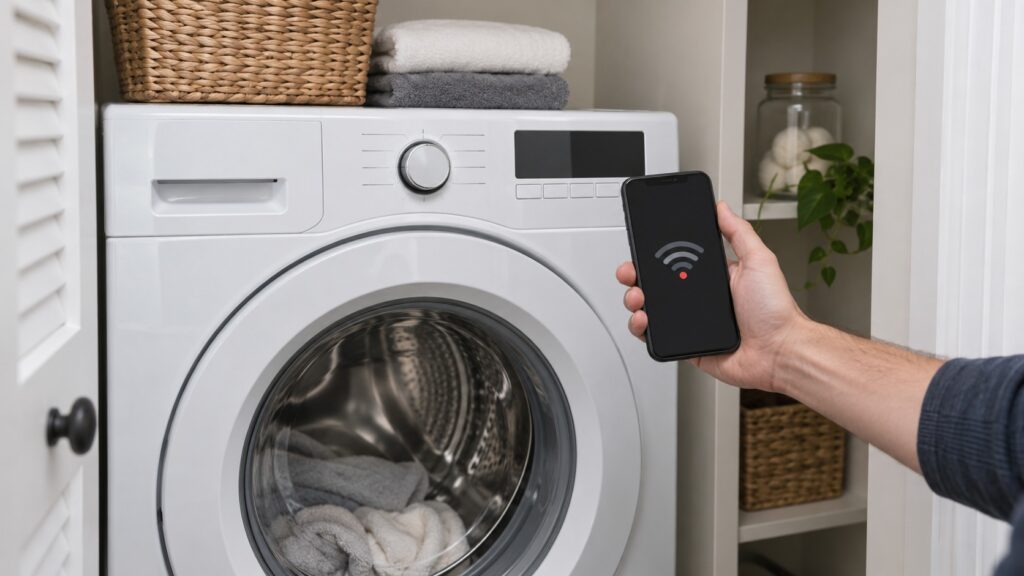
- Signal at the appliance. Stand beside it with a phone and see whether the home network shows one bar or full strength. Weak means move the router, add a mesh node or an extender nearer.
- The band. Many smart appliances connect only on the 2.4 GHz band, not 5 GHz. If your router merges both under one name, split them or temporarily turn off 5 GHz for pairing. Your manual states which band your model supports.
- The password. A changed password or a new router means the appliance has stale details. Re-enter them carefully, since a single wrong character fails silently.
- Router settings. Some security modes and guest networks block appliances. Use a standard secured home network where possible.
- Pairing mode. Put the appliance into its connect mode, as your manual shows, and complete setup in the app within a few minutes.
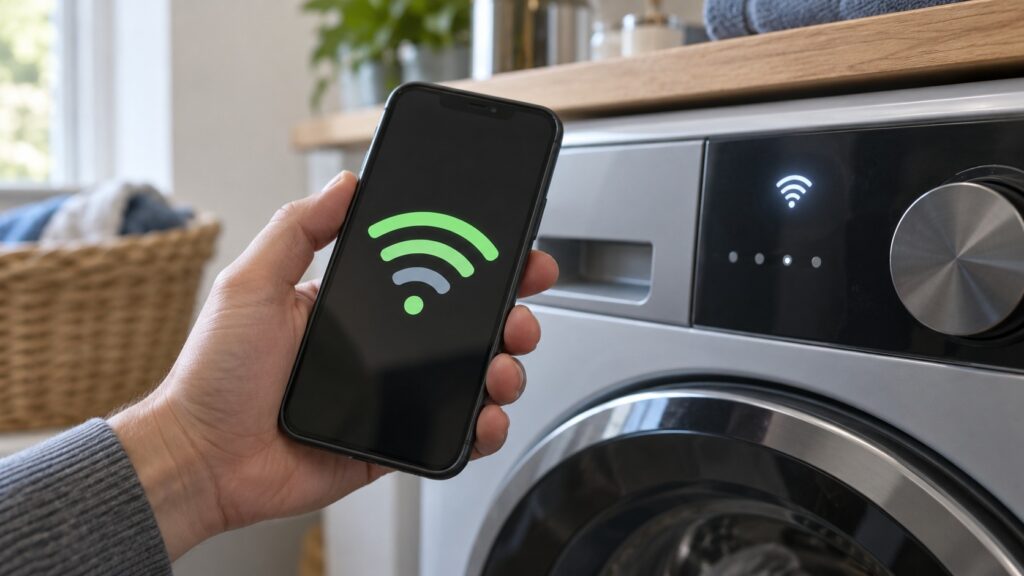
How do I start the pairing again?
Begin from a clean state. Remove the appliance from the app account if it appears there, restart the router by unplugging it for thirty seconds, and power-cycle the appliance by switching its breaker off for a minute. Then put the appliance into pairing mode and add it again from the phone, with the phone on the same 2.4 GHz network and standing close. If setup fails halfway, repeat with the phone near the appliance, because the pairing handshake is sensitive to distance. Do not interrupt it by closing the app.
What if it connects and then drops?
An intermittent link usually points to signal or router load. Look for a pattern: does it fail when the microwave runs, in the evening when many devices are online, or after the router restarts? Microwaves and some cordless devices interfere with 2.4 GHz. Set the router to a less crowded channel, move it away from other electronics, and give the appliance a reserved address if your router supports it. A router that auto-updates overnight can also forget the appliance, which then needs pairing again.
How can I improve the signal for an appliance in a closet?
Three fixes work in most homes. A mesh node or extender placed in the next room, with a clear line toward the appliance, usually gives the biggest gain. Leaving a closet door open during pairing helps, since wood and metal doors cut signal. Moving the router up onto a shelf and away from the floor, large metal objects and other electronics also helps. Test with the phone again after each change; when the phone shows steady signal beside the appliance, pairing normally succeeds on the first try. If the appliance is far from any practical router position, remember that you lose only convenience, and the appliance still does its job.
Keep notes on what you tried, including the band and the network name. If a technician visit becomes necessary, that history shortens the diagnosis, because it separates a network fault from a module fault.
Does a WiFi problem mean the appliance is broken?
Rarely. The smart module controls remote start, alerts and updates, not the wash, dry or bake. If the cycle runs normally, the appliance is healthy. Our model pages note that the WiFi module rarely causes a wash-performance complaint, and that smart-connected GE appliances use the same diagnostics for faults as the others. So treat a failed link as a network chore, and a failed function as an appliance fault. For the latter, start with the GE washer diagnostic mode, the dishwasher diagnostic mode or the GE error codes by appliance guide. The wall ovens are compared in our JTS5000 series guide.
When should I call a technician?
Call when the appliance never enters pairing mode, will not connect to any network including a phone hotspot, or shows other faults alongside the connection loss, such as a dead display or a control that resets. A technician can check the control board and the WiFi module. We are an independent service, and we will tell you if the problem is the network, which is free to fix. For service, see GE washer repair or GE oven repair, and schedule a visit when you are ready.