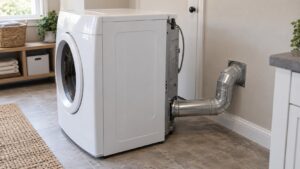
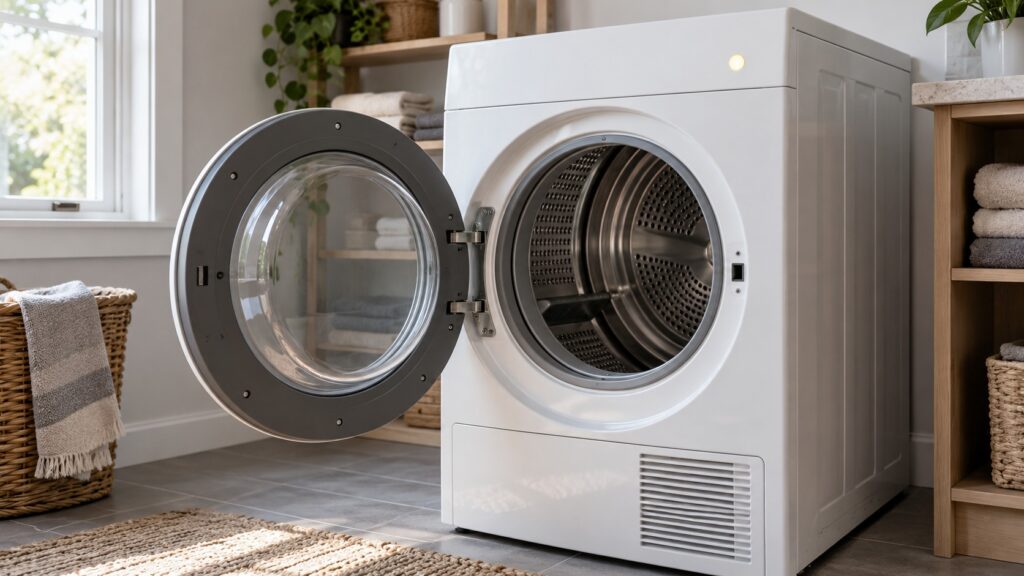
When a GE dryer won’t turn off, meaning the cycle keeps running well past the selected time or never ends on its own, is usually a moisture sensor that can no longer tell the load is dry. A film of fabric softener on the sensor strips is the first thing to check, and you can wipe them clean. If the dryer still runs on after that, the timer or control board or a cycling thermostat is the likely cause, and a technician should test it. Whatever the cause, stop the cycle by opening the door rather than letting the dryer run indefinitely.
Why won’t my GE dryer turn off?
Because the part that tells it the load is dry, or the part that counts the cycle, is not doing its job. Our symptom page for a GE dryer that will not shut off lists four causes in order of likelihood: a faulty moisture sensor that cannot detect that the load is already dry, sensor strips coated with a film of fabric softener, a timer or control board that has lost track of where the cycle should end, and a faulty cycling thermostat that is not signaling the control correctly to progress the cycle. The first two are far more common than the last two.
What are the signs, and what do they tell you?
Notice how the dryer behaves. Our page lists these symptoms: the cycle runs far longer than the selected time without stopping, the dryer stops only when you turn it off or open the door, clothes are already fully dry but the dryer keeps running, and the problem is worse on sensor-dry settings than on timed-dry settings. That last one is the most useful clue. If the dryer ends a timed-dry cycle normally but runs on in a sensor-dry cycle, the moisture sensor is the likely cause. If it runs on no matter what you select, suspect the timer or control board or the cycling thermostat.
How do you clean the moisture sensor strips?
Make sure the dryer is off, cool and with the drum at rest. The moisture sensor strips are inside the drum. Our page says to wipe them with a soft cloth and rubbing alcohol. Rubbing alcohol is flammable, so use only a lightly dampened cloth, never pour or spray it, keep any flame, pilot light or spark away, let the drum air out until it is fully dry before you close the door, and leave the dryer unplugged or at the breaker while you wipe. Fabric softener leaves a film that stops the strips from giving an accurate reading, which makes the dryer think the load is still damp. Wipe, let them dry and run a normal sensor-dry load. If the strips are badly coated, expect to repeat the wipe. Use dryer sheets and liquid softener sparingly, because the film builds up. Do not take the drum or any panel apart to reach them.
Is it the sensor or the control?
Run the test our page suggests: switch to a timed-dry setting temporarily to confirm whether the issue is specific to sensor-dry. If a timed cycle ends on time and a sensor cycle does not, you have narrowed it to the sensor, even if cleaning did not fix it. Note how much longer than the selected time the dryer typically runs before you catch it, because that detail helps the technician. If the dryer keeps running past the selected time after cleaning the sensor, our page says an experienced technician should test the moisture sensor and the control board. Replacing a sensor or a board is not an owner repair, and the right part is matched from the model and serial number.
What if the dryer is hot, smells scorched or will not stop at all?
Stop it. A dryer that runs on is also a dryer that keeps heating, so treat a hot cabinet or a scorched smell as a safety matter. Open the door to stop the cycle, let the dryer cool, and do not run another load. If the dryer will not stop when you open the door or press the power control, switch it off at the breaker. If you smell burning or see sparks, switch off the breaker at the panel while standing on a dry floor, and do not use the dryer until a technician has looked at it. Our page on a GE dryer overheating lists a blocked exhaust vent as the leading cause, so clear the vent, as in our GE dryer vent cleaning guide, with the dryer unplugged and the gas valve closed on a gas model. A heat alert such as E2 (our overheating page ties it to the high-limit thermostat) or E3 should be noted exactly for the technician.
What about the control lock?
If the dryer’s panel seems stuck on and a control lock is involved, the way to release it differs by model, and our pages do not give a button sequence for your dryer. Use your owner’s manual. Do not assume that a lock indicator means the dryer has failed; release the lock as the manual describes and try again. If the lock indicator returns by itself, mention it to the technician.
When should you call a technician?
Call if the dryer runs on after the sensor strips are clean, if it does not stop in timed-dry cycles either, if it gets hot or smells scorched or if it will not stop when you open the door. Our page rates the condition medium severity, so there is no emergency, but a dryer that never stops is hard on clothes and not something to leave running. If the dryer also takes too long to dry, read our GE dryer taking too long guide. GE dryer repair covers the visit, and you can book it online.