
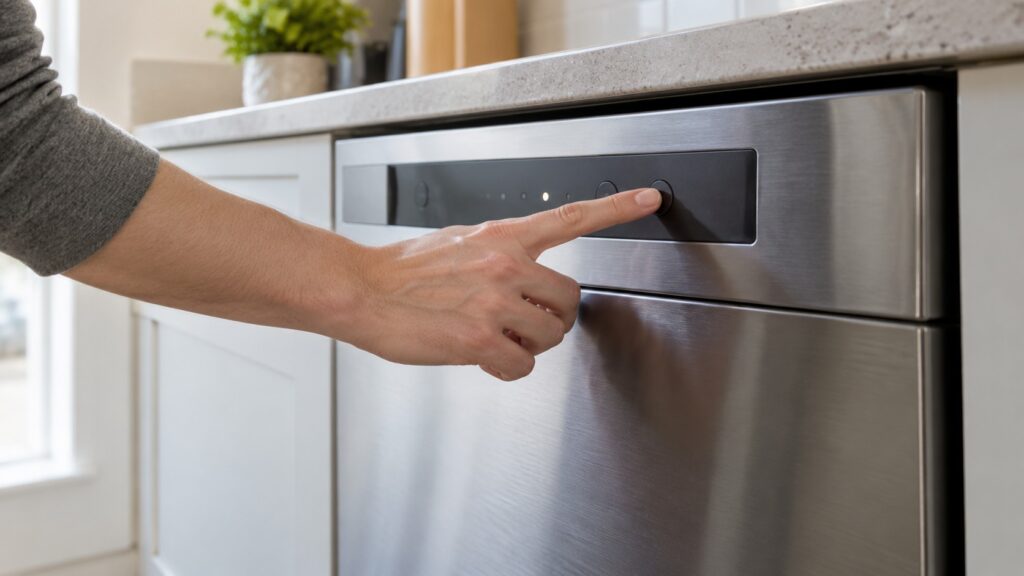
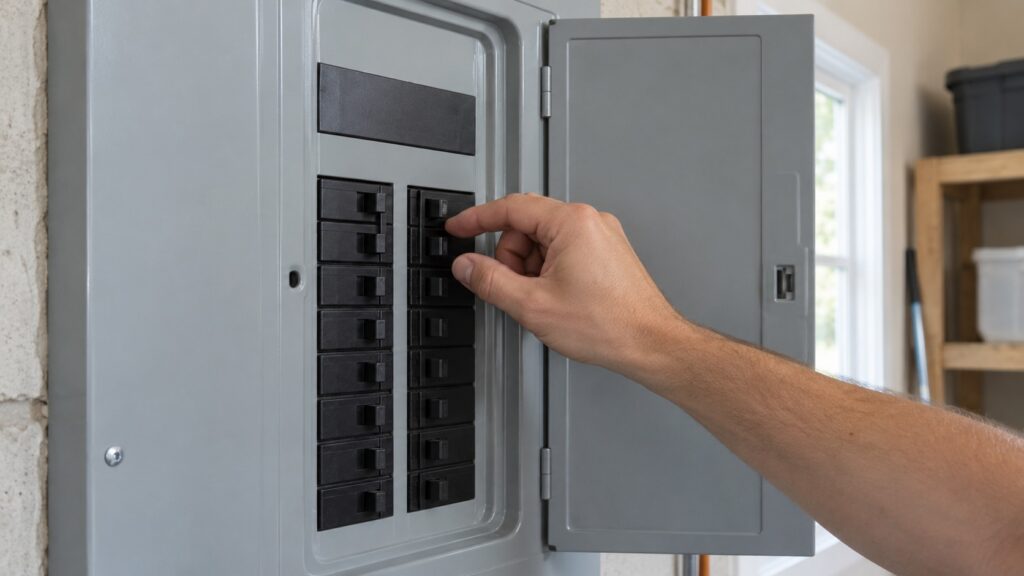
A GE dishwasher reset usually means one of two safe things: canceling the current cycle from the control panel, or cutting the power at the breaker for a minute or more and restoring it. The exact buttons differ between GE control panel generations, so use your owner’s manual for the cancel or Start/Reset sequence on your model. What you should not do is hunt for a hidden factory-reset sequence, because our diagnostic-mode guide warns that entering the wrong sequence on some models can trigger an unintended factory reset or clear stored error history.
How do you reset a GE dishwasher?
Start with the gentlest option and move up only if it does not work. First, cancel the cycle from the panel. Our guide to the PrS code describes forcing a drain by pressing Start and then Cancel on panels that work that way, and our diagnostic-mode guide refers to a Start/Reset button on some panels. Your owner’s manual shows which control cancels a cycle on your model, and the sequence differs between panel generations. Second, if the panel is frozen, a code is stuck on the display or the dishwasher will not respond, cut the power at the breaker, wait, and restore it. That is the whole of what we can recommend for an owner.
How do you power-cycle a GE dishwasher safely?
Use the breaker that feeds the dishwasher. Our pages for the codes say to switch it off, wait a full minute for most problems and five minutes for the PrS code, then switch it back on. Wait the full time, because a shorter pause may not clear a latched fault. If the dishwasher is plugged in under the sink and the cabinet is dry, our PrS guide notes you can pull the plug instead, but the breaker is simpler and safer when the cabinet is damp. Never reach under the sink to pull a plug if there is any water near it; switch off the breaker at the panel while standing on a dry floor. After power is restored, start a normal cycle and watch the first fill. If the code returns during the first fill, it is live rather than stored.
What if the buttons do not respond?
Check the control lock first. Our page on GE dishwasher buttons not responding says to hold the control-lock button combination, often a specific button held for three seconds, and then to power-cycle at the breaker and wait a full minute before testing again. Wipe the panel dry and avoid pressing buttons with wet hands. If one button works and the rest do not, tell the technician which, because it narrows the problem to a location on the panel. A moisture problem behind the panel or a loose ribbon connector is a technician’s job; do not take the panel off.
What if it will not start after a reset?
Go through the start checks on our page for a GE dishwasher that will not start: close the door firmly and confirm that it latches without extra force, check the breaker and press the reset button on a GFCI outlet if the dishwasher is on one, cancel any delay-start setting and press Start again, and release the control lock. A reset does not fix a door that is not latching or a failed control board, so if the same problem returns, book service. Our guide on a GE dishwasher not draining covers the case where it starts but will not empty.
Which GE dishwasher codes can a power cycle clear?
Several guides on our site recommend a power cycle as the first step. For the PrS code, cut the power for five minutes, because a latched sensor fault frequently clears on restart; if PrS returns during the first fill, the sensor tube, harness or sump spigot needs a technician. For C4, power-cycle at the breaker first (our code guide says two minutes); if it returns on a normal cycle with no outage, the float switch is the one to check, as our C2, C4, C5 and C8 codes guide explains. For C6 and C7, a breaker power cycle for a full minute can clear a one-time sensor glitch. PF is a power-failure flag and just means the dishwasher lost power mid-cycle. Drain codes such as C1, C2 and C3 point to a clogged filter or hose rather than the electronics, so a reset will not fix the cause.
When should you not reset a GE dishwasher?
When the dishwasher says it found water. Our guide to a GE dishwasher leak detected alert (shown as 999 on some models) explains that resetting and running it again without checking the source risks letting a real leak continue, and that you should inspect the door gasket, the hose connections and the detergent type first. With the power off, check around the base of the unit for dampness. If water is near the plug or cord, switch off the breaker at the panel while standing on a dry floor and never pull a plug from a wet outlet. Do not run a diagnostic mode yourself, and do not interrupt one by cutting power halfway. Our GE dishwasher diagnostic mode guide explains why a technician should run it.
When should you call a technician?
Call if a code returns after one clean power cycle, if the panel stays dead, if a leak alert comes back or if the dishwasher still will not start with the door latched and power confirmed. GE dishwasher repair explains the visit, and you can book a visit online.